Back to Projects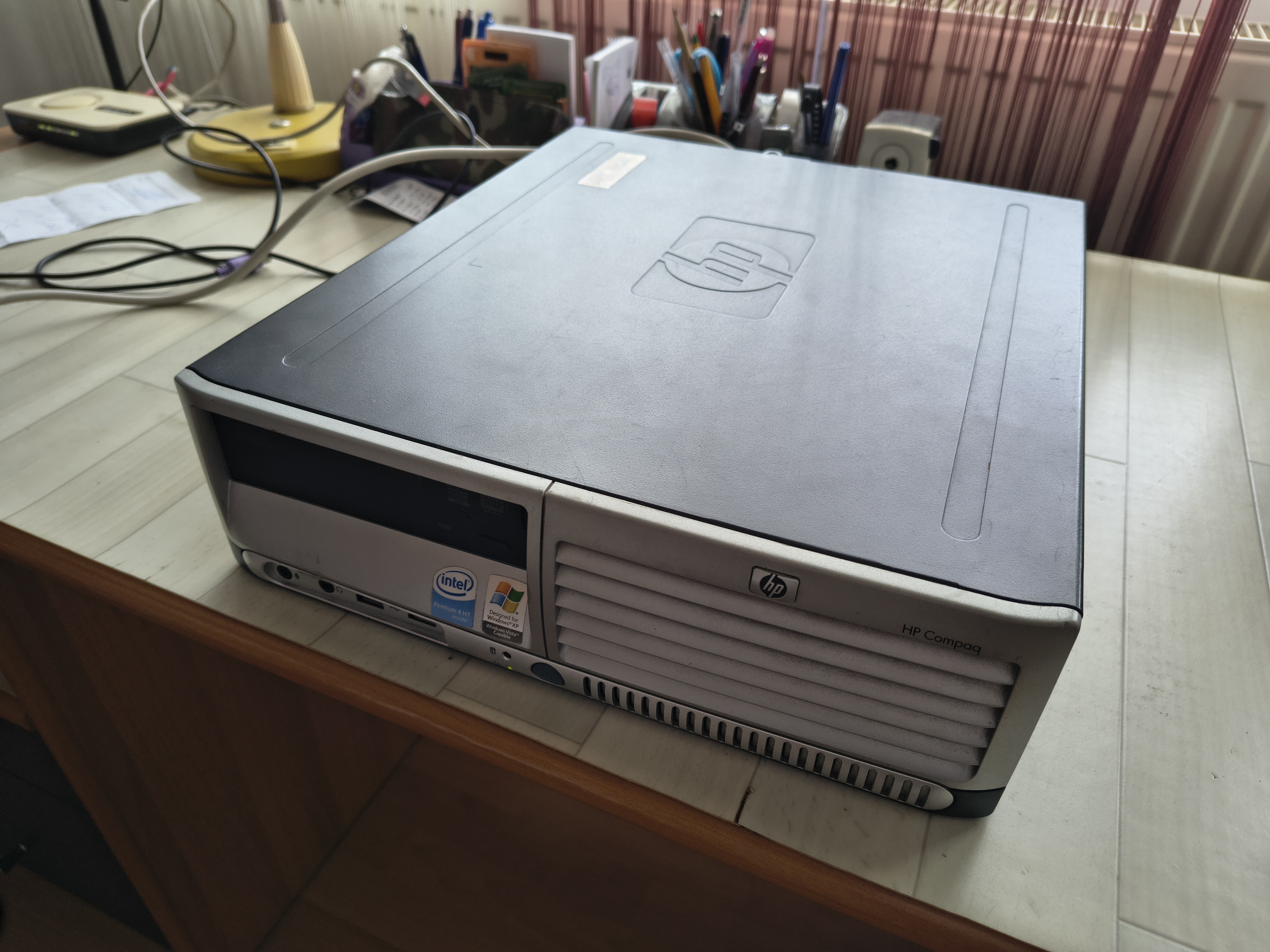
Hardware Project
Home Lab Server & Portfolio
Transforming old hardware into a powerful home Linux server hosted via Cloudflare Tunnels.
1. The Idea: New Life for Old Hardware
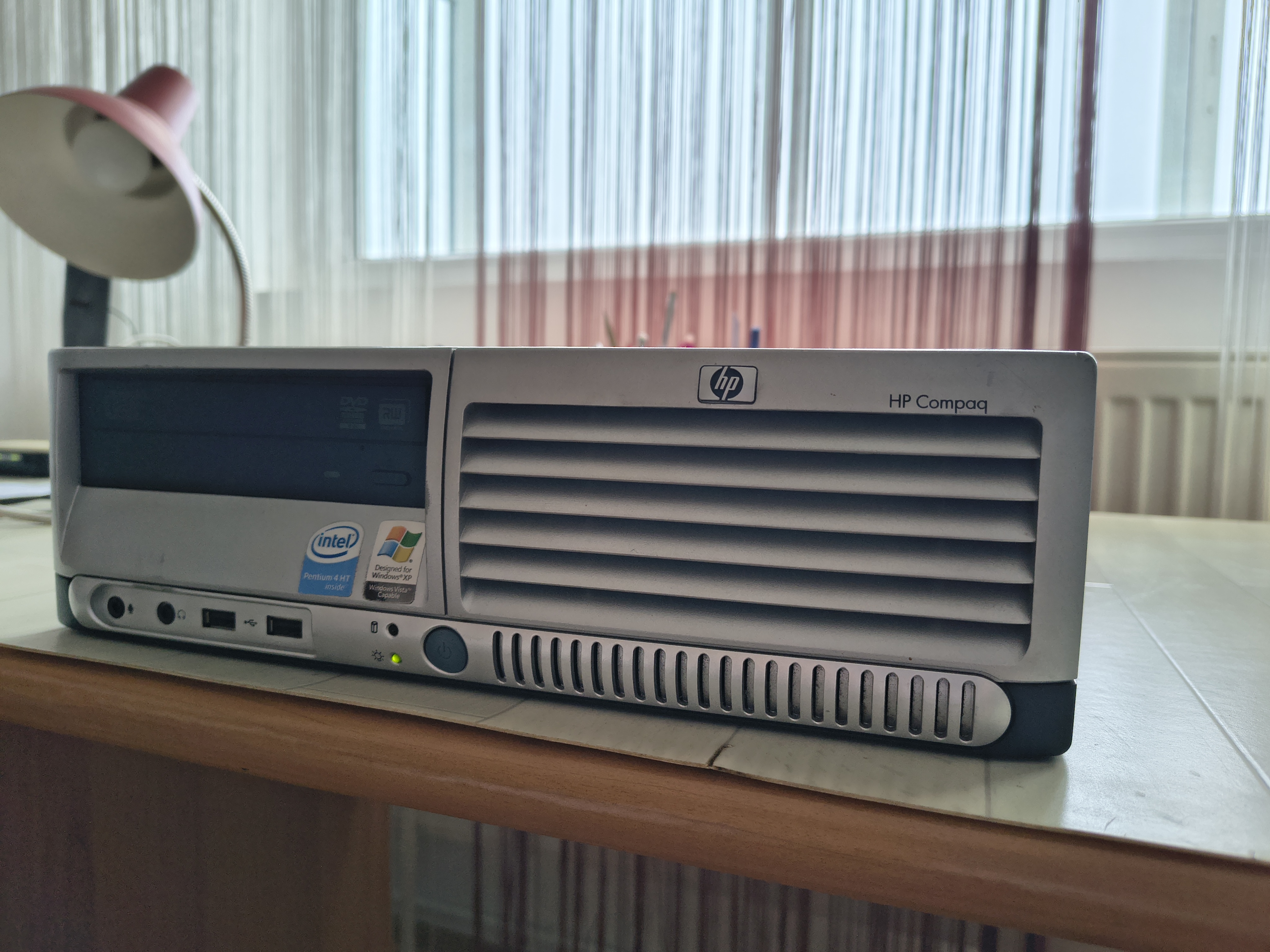
Instead of throwing away my old laptop, I decided to turn it into the heart of my home lab. The goal was to create a fully functional web server accessible from anywhere in the world, without paying for expensive cloud hosting (VPS) and without compromising my home network security. On this server, I built and hosted my personal portfolio – the very site you are looking at right now.
2. Hardware and Server Architecture
The first step was installing Ubuntu Server on the machine. I chose an architecture based entirely on microservices (Containers) for ease of management and scalability.
- Docker & Docker Compose: Everything runs in isolated containers. This ensures that the software (databases, site, cache) does not depend on the operating system and can be migrated to another machine in seconds.
- Nginx Proxy Manager: I use this as a "gatekeeper". It distributes traffic to the correct containers (e.g., the portfolio on port 8000, the chatbot on 8001) and manages SSL certificates.
- Cloudflare Zero Trust Tunnel: This was the "icing on the cake". Instead of opening ports on the router (which is a security risk) or paying for a static IP, I created an encrypted tunnel directly to Cloudflare. This keeps the site protected from DDoS attacks and accessible via HTTPS.
3. The Software: Modern Django Stack
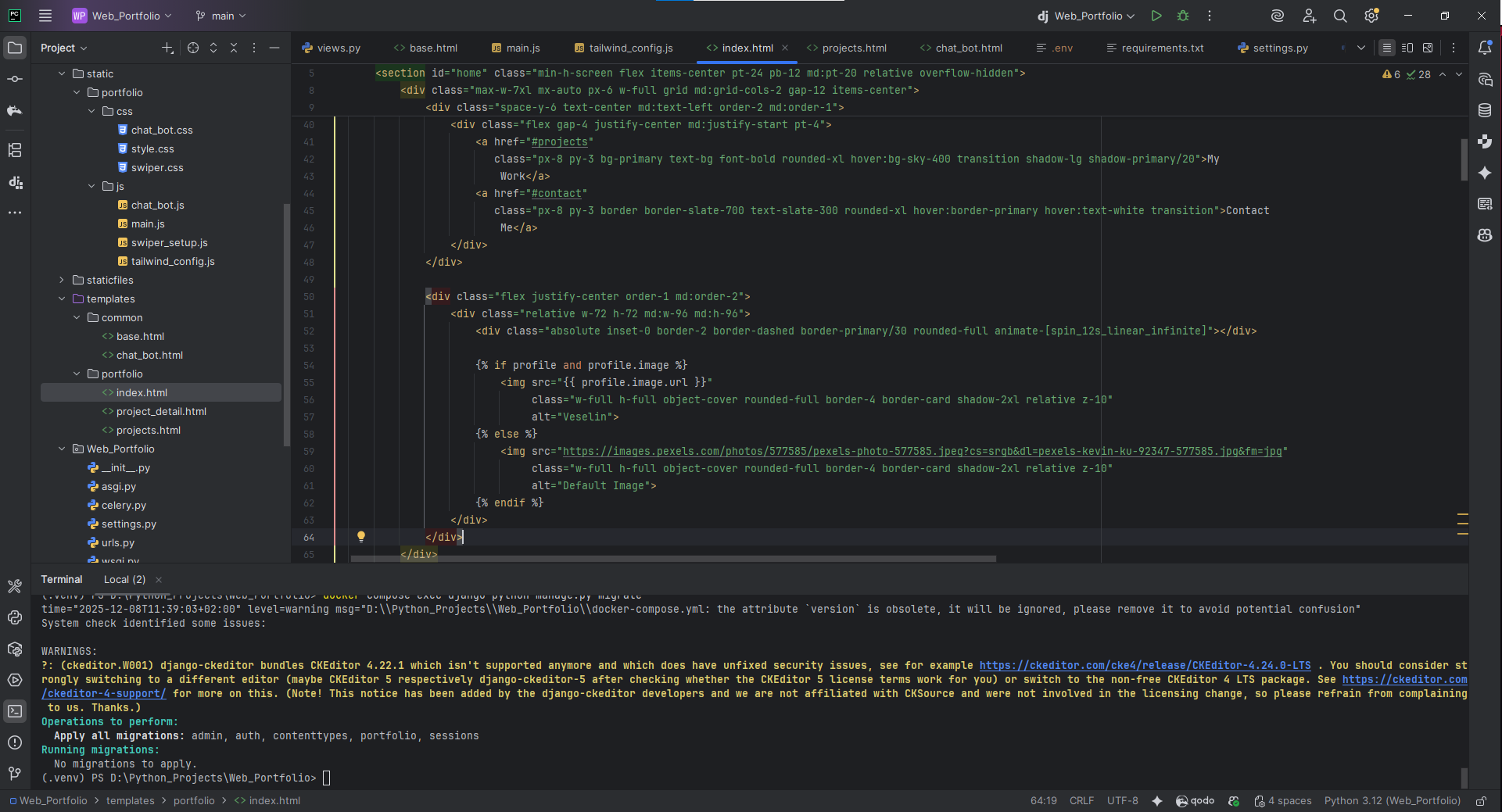
The portfolio itself is not just a static HTML page, but a complex web system:
- Backend: Python & Django – a powerful framework providing the core logic and administration panel.
- Frontend: I utilized Tailwind CSS and DaisyUI for a modern, dark-themed design.
- Database: PostgreSQL – a professional database for storing projects and configuration settings.
- AI Chatbot: I integrated Google Gemini AI. When you ask a question in the chat, Django sends the request to Celery (an asynchronous queue), which is managed by Redis.
4. Challenges & Troubleshooting
- MTU (Maximum Transmission Unit): The connection to the Google API was timing out due to the double encapsulation of packets. I configured the Docker network to use a smaller packet size (MTU 1280), which stabilized the connection.
- Caching & Mobile Menu: Resolved display issues on specific screens through precise tuning of Tailwind classes and Cloudflare cache management.
Project Gallery
Tech Stack
Ubuntu ServerDockerNginx Proxy ManagerCloudflare TunnelDjangoPostgreSQLRedisCelery
Project Info
CategoryHardware
StatusCompleted